How to resize a widget

AuthorWebull Learn
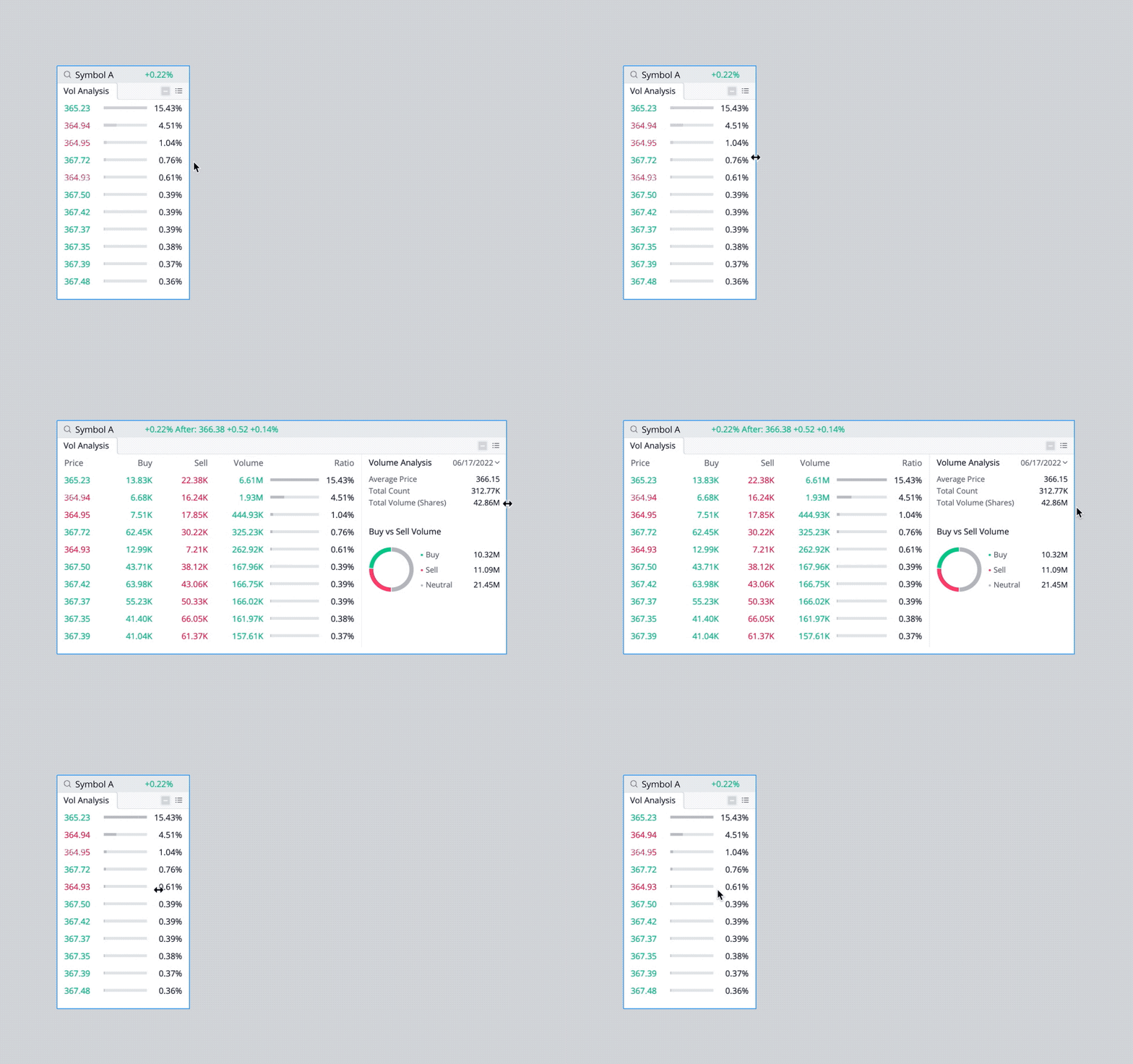
- Click the border of any widget and drag it to the size you want.
- The display of the widget may be changed when resizing it.
0
0
0
Webull Financial LLC (member SIPC, FINRA) offers self-directed securities trading. All investments involve risk. Index Option Contract Fees, Regulatory Fees, Exchange Fees and other Fees may apply. More info: https://www.webull.com/disclosures

Share your ideas here…
Lesson List
1
Practice Your Options Trading on Webull Desktop
2
What is a Widget?
How to resize a widget
4
How to move a widget
5
How to overlap widgets
6
How to add a widget
7
What is a layout?
8
How to use Webull Desktop in multiple screens
No content on the Webull website shall be considered a recommendation or solicitation for the purchase or sale of securities, options or other investment products. All information and data on the website is for reference only and no historical data shall be considered as the basis for judging future trends.
Copyright © 2026 Webull. All Rights Reserved